
Mac
Dictation for Mac.
Kalam is AI dictation for Mac from Balacode. Hold Ctrl+Option (that's Ctrl+Alt), speak, and it types into the Mac app you are using. Run Parakeet, Whisper, Moonshine or SenseVoice on the computer, or pick a cloud engine. It runs on Apple silicon and Intel. Free has no word cap. Pro is $4.99 a month.
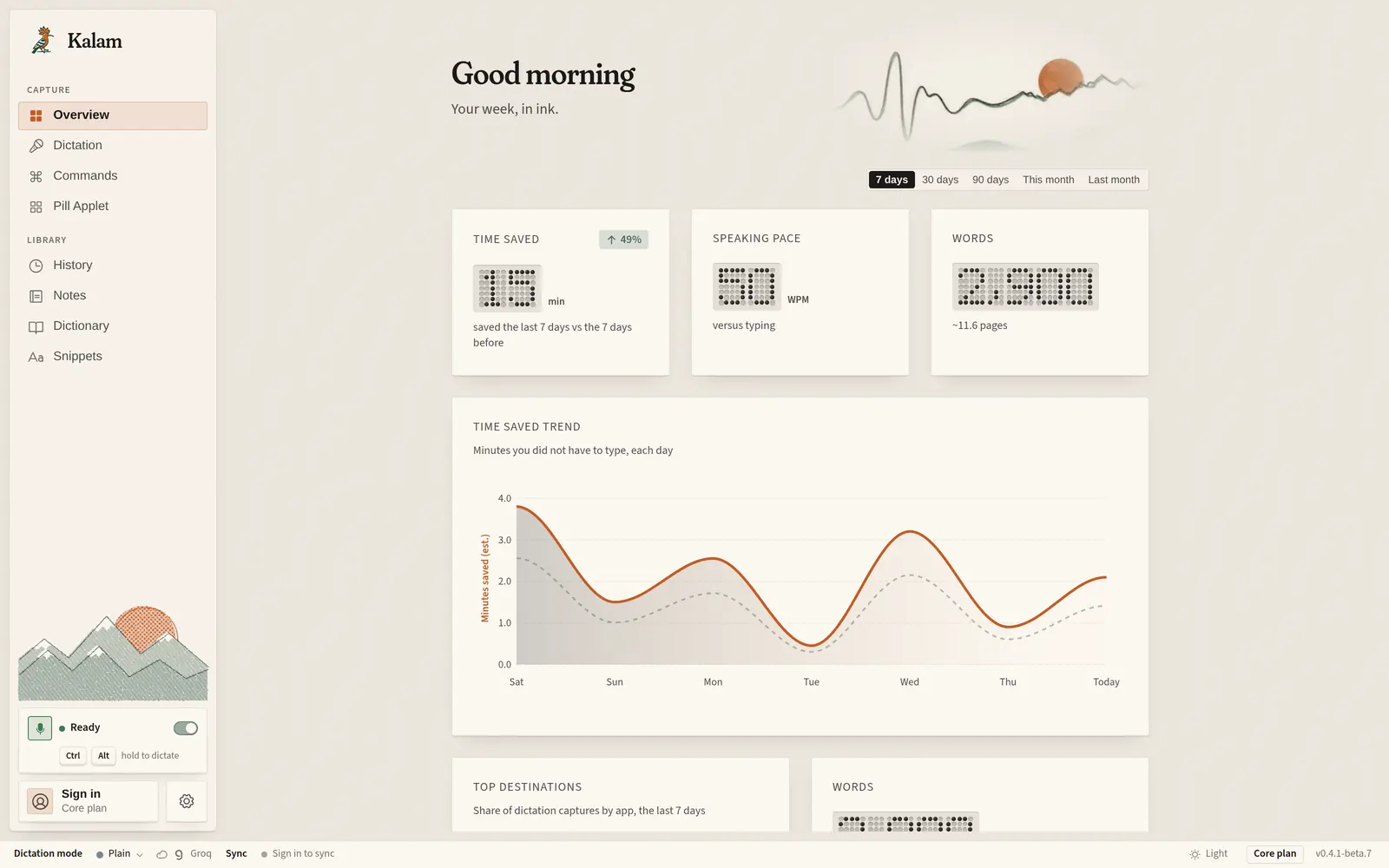
How it works
How voice typing on Mac works
Hold a key, speak, release. The words land at the cursor.
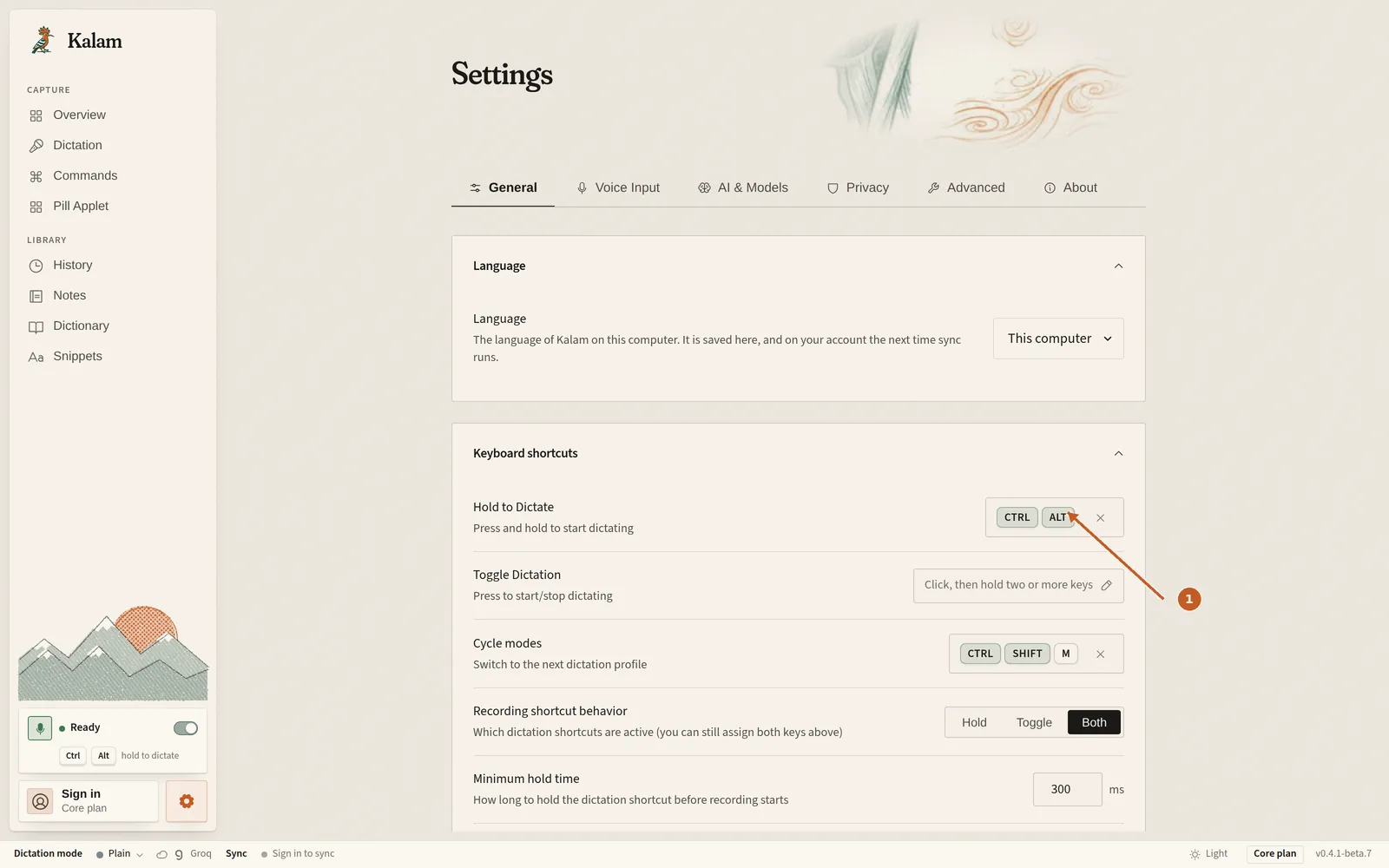
The default shortcut on Mac is Ctrl+Option. That is the same pair as Ctrl+Alt on a keyboard that labels the key Alt. Click into the field you want, hold the shortcut, speak, and let go. Kalam types what it heard into that Mac app.
You can change the shortcut in Settings. Hold-to-talk is the default. Press-to-toggle is there if you would rather tap once to start and tap again to stop.
Current Mac builds are beta. The first open may ask for Microphone, Accessibility, and Input Monitoring. Those are the same permissions the download page already names.
Engines
On-device models, or a cloud engine you pick
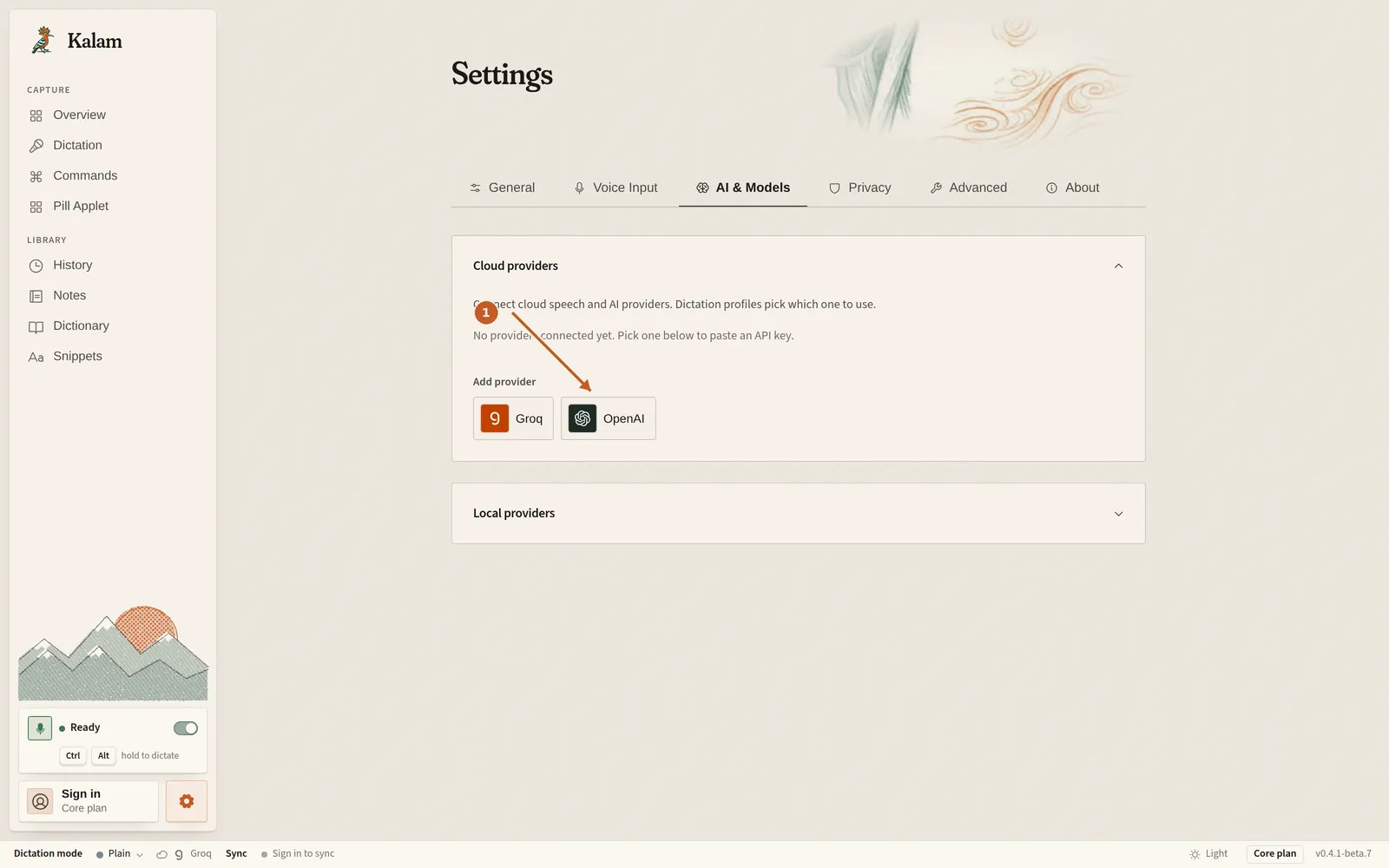
On your computer or in the cloud, whichever you like. You set this per profile, and you can change it later.
On your computer
- Parakeet An on-device speech model you can run on this computer.
- Whisper An on-device speech model. The homepage lists it as the widest set you can run here.
- Moonshine An on-device speech model, built for short phrases.
- SenseVoice An on-device speech model. The homepage lists it for English and Asian languages.
In the cloud
- Groq A cloud speech service you connect with your own account.
- OpenAI A cloud speech service you connect with your own account.
- Gemini A cloud speech service you connect with your own account.
- Deepgram A cloud speech service you connect with your own account.
- AssemblyAI A cloud speech service you connect with your own account.
- ElevenLabs A cloud speech service you connect with your own account.
This computer
Apple silicon and Intel
The Mac beta ships for Apple silicon and Intel. The download page labels each installer, so you can pick the disk image that matches this computer.
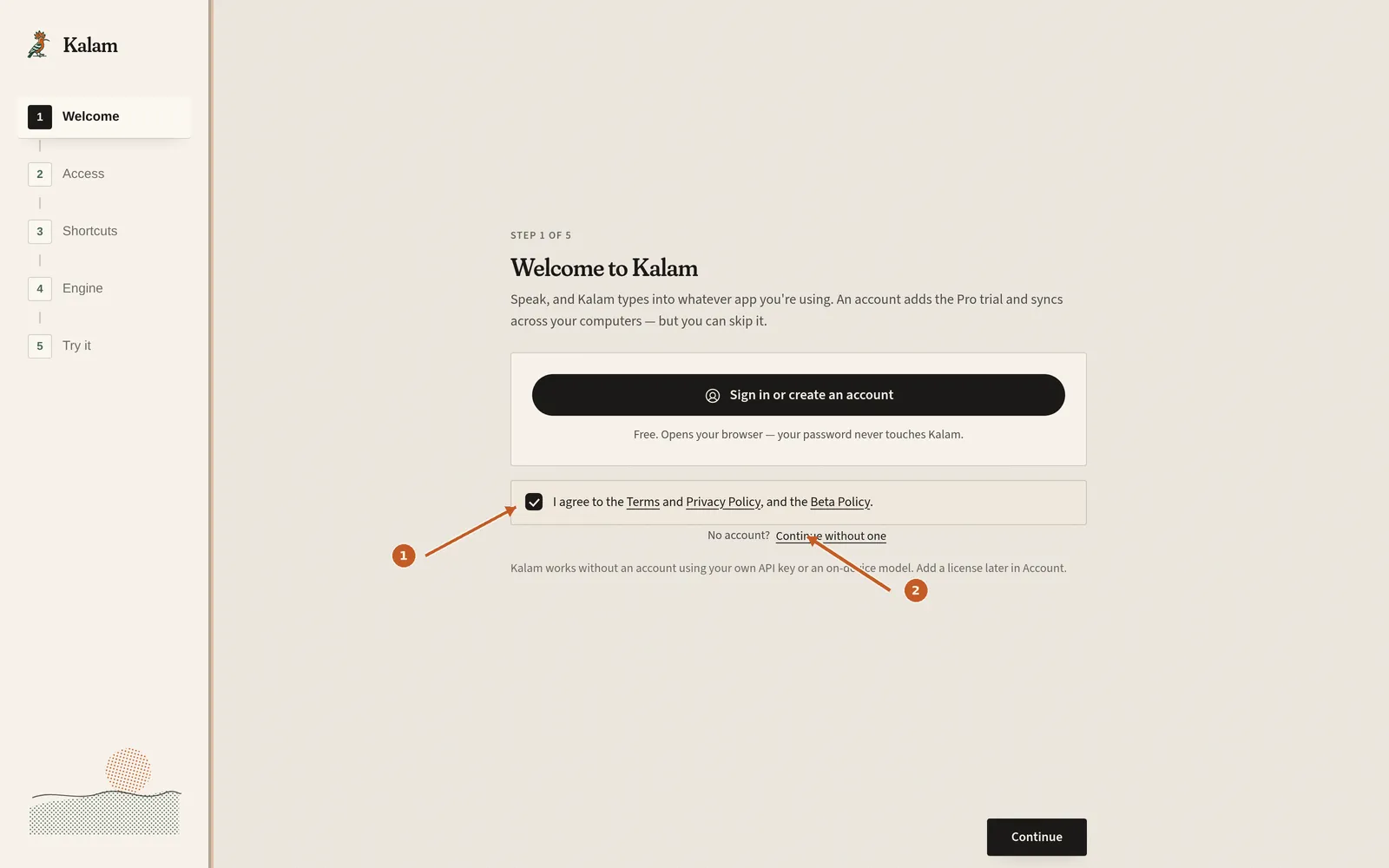
Kalam is not in the Mac App Store. You download it from kalamvoice.com/download. That is also why Gatekeeper may ask you to open it anyway the first time.
Compare
Kalam and built-in Apple Dictation
Apple Dictation is part of macOS. Kalam is a separate app you download. They can sit on the same computer.
| What to look at | Apple Dictation | Kalam |
|---|---|---|
| Where it lives | Built into macOS | A download from kalamvoice.com/download |
| How you start | The macOS Dictation shortcut in System Settings | Hold Ctrl+Option (changeable) |
| Speech engine | Apple's dictation engine | Parakeet, Whisper, Moonshine, SenseVoice, or a cloud engine you pick |
| On this computer or in the cloud | Whatever Apple Dictation is set to do | You pick, per profile |
| Price | Included with macOS | Free, no word cap. Pro is $4.99 a month |
| Systems | Mac | Windows, Mac, and Linux, all as beta |
This is a product-shape comparison, not a score. It does not claim that one hears you more clearly than the other.
Price
Free, with no word cap
Core dictation is free. There is no word cap and no trial clock on Free. You can listen on the Mac, or connect a cloud speech service with your own account. Pro is $4.99 a month, or $49 a year, and adds polish, profiles, and sync.
Max is named and not for sale yet. It will run the listening and the polish so there is nothing to connect.
Setup
Set up dictation on Mac in three steps
From download to the first sentence.
- 01
Download Kalam for Mac
Open the download page and take the Mac disk image or package for this computer, Apple silicon or Intel.
- 02
Allow the permissions macOS asks for
Open Kalam. If Gatekeeper blocks it, use System Settings → Privacy & Security → Open Anyway. Then allow Microphone, Accessibility, and Input Monitoring.
- 03
Hold Ctrl+Option and speak
Click a text field, hold Ctrl+Option (Alt), speak, and release. The words should land at the cursor.
Questions
Straight answers.
What is Kalam dictation on Mac?
Kalam is AI dictation for Mac from Balacode. Hold Ctrl+Option, speak, and it types into the Mac app you are using. It is not Apple’s macOS “Kalam” and is not named for A. P. J. Abdul Kalam.
Does it run on Apple silicon and Intel?
Yes. The Mac beta has installers for Apple silicon and Intel. The download page labels each file.
What is the shortcut for voice typing on Mac?
Ctrl+Option by default, which is Ctrl+Alt on a keyboard that labels that key Alt. You can change it in Settings, and you can switch between hold-to-talk and press-to-toggle.
How is this different from Apple Dictation?
Apple Dictation is built into macOS. Kalam is a separate app. With Kalam you pick the speech engine — on-device models or a cloud service you connect — and the same hold-to-talk gesture works on Windows and Linux as well.
Is Mac dictation free?
Yes. Free has no word cap. Pro is $4.99 a month or $49 a year for polish, profiles, and sync. See Kalam pricing.
Does my voice leave the Mac?
Only if you pick a cloud engine. Parakeet, Whisper, Moonshine, and SenseVoice run on this computer. A cloud engine you connect sends audio to that service. Kalam can also keep a short local copy of each recording for History, on by default for seven days, and you can turn that off.
Is Kalam in the App Store?
No. You download it from kalamvoice.com/download. It is not sold in the Mac App Store or the Microsoft Store.
What about Windows, or Wispr Flow?
There is a Windows voice-typing page, and Wispr Flow is compared on its own page so this one can stay on Mac. See the compare page.
Download free. Dictate on this Mac.
Apple silicon and Intel. Beta today. The words land in the app you are using.